
Getting 40 Students Into Your Class Without Collecting a Single Email
The reason most classroom apps die in week one: setup. Here are the three ways to build your class list, and which to use for 40 students on a Monday morning.
By Veda Founder
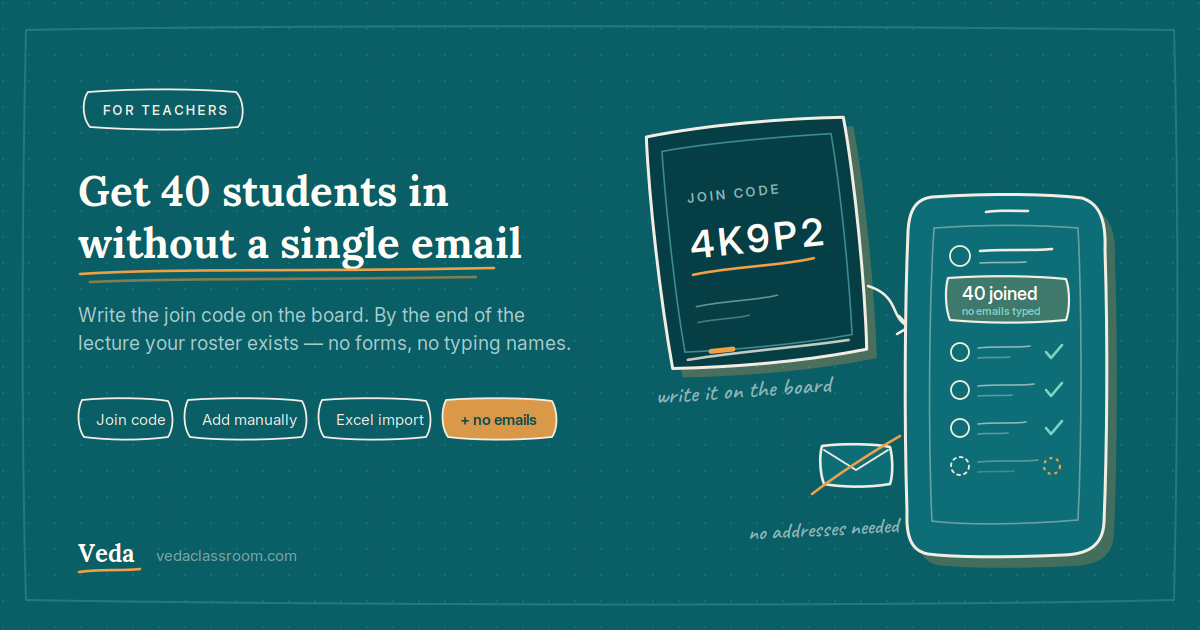
Most classroom software dies at the same place: the setup screen. It asks for every student's email address — and in a real Indian classroom, half the students do not have one, the other half do not remember it, and you are not spending a lecture collecting them.
If getting students in takes longer than one lecture, teachers stop. So the fastest route deliberately needs no email addresses at all.
Three ways in — pick by your situation
1. Share a join code (fastest for a full class)
Create the class and share the code — write it on the board or drop the link in the class group. Students install the app, enter the code, and identify themselves. A class of 40 sets itself up while you take the lecture, and your roster exists by the end of it. No emails, no typing names.
2. Add manually (best for a small batch)
For a tuition batch of eight, typing them in is genuinely faster than explaining a code. Name and details, done.
3. Import from Excel (for an existing list)
If your students are already in a spreadsheet, download the import template, fill it, and upload. Veda shows you a preview before anything is created, so a wrong column is caught before it becomes 40 wrong records.
Bulk import from Excel is a paid-plan feature. The join code and manual adding are free — and for most teachers the join code is the faster route anyway, since it needs no data preparation at all.
What happens once they are in
The roster is not a list you maintain — it is the thing everything else runs on:
Assign a chapter kit or a quiz and it reaches every student in the class. Take attendance and each student sees their own. Record a mark and it appears on their progress report. One setup, and the rest of the year is downhill.
Creating classes, joining by code and manual adding are free. The free plan covers 2 classes, 3 subjects and 20 students per class; larger classes and Excel import are on the paid plans.
Create the class tonight, write the code on the board tomorrow, and start with attendance. That is the whole onboarding — no forms, no emails, no IT department.