
Take Attendance Without a Register (And Actually Find It Later)
The paper register works fine — until someone asks how many lectures a student has missed. Here is how to mark a whole batch in seconds and keep the record forever.
By Veda Team
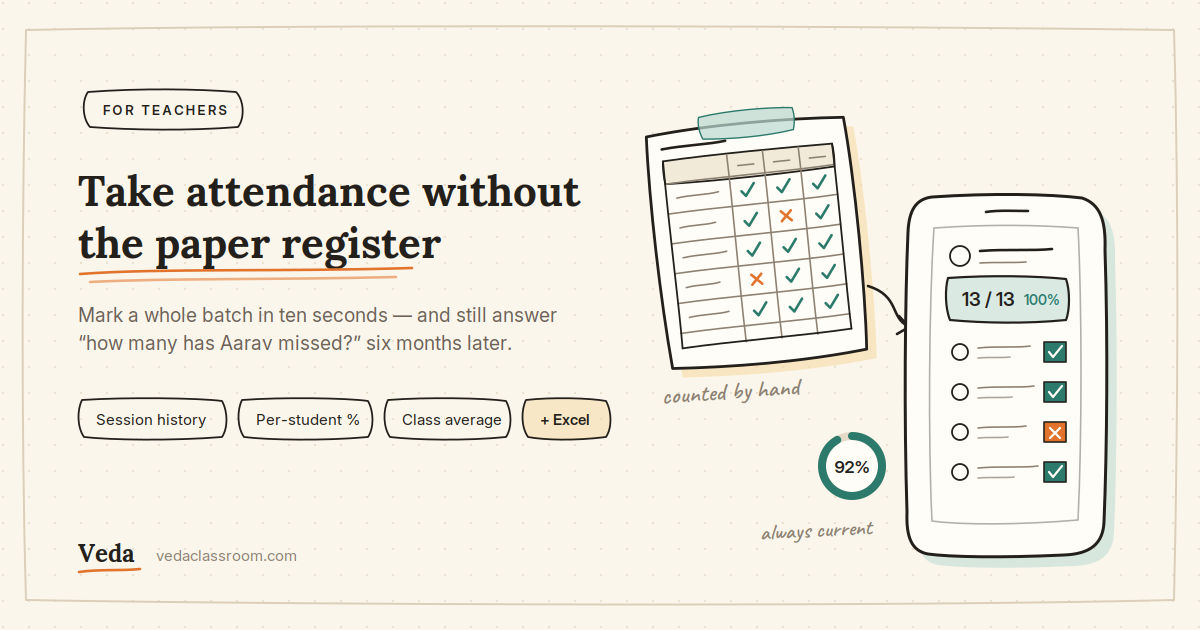
The paper register is not a bad tool. It is fast, it needs no battery, and every teacher already knows how to use one. It fails at exactly one thing: answering questions later.
The register
- "How many lectures has Aarav missed?" — count by hand, across pages
- Term summary for the principal? An evening of tallying
- Left it in the staff room, and today's class is starting
- A student disputes an absence and there is nothing to show
The same thing, in the app
- Every student carries a live attendance percentage
- Class average and session history, always current
- It is on the phone in your pocket
- Open the session, show the record, correct it if you were wrong
Marking a class takes about ten seconds
- Open the batch Your class or group opens to the student list, with today's date already on it.
- Tap down the list Present, Absent or Late for each student. The presence rate updates as you tap — you see "13 / 13 (100%)" before you commit to anything.
- Submit The session is saved with its date and time, and every student's percentage recalculates instantly.
Open the session from the history and change it. Nothing is frozen the moment you hit submit — which matters, because the student who walked in two minutes late is a real thing that happens every week.
Batches, not just classes
If you teach a school section, one class is enough. If you run tuition, you probably teach the same subject to three different groups on three different days — and a single register for all of them is useless.
Groups (batches) solve that. Create a batch per group you actually teach, take attendance per batch, and keep the records completely separate. The Sunday batch and the weekday batch never mix.
What you get out the other side
The last one quietly removes a whole category of conversation. Students can see their own attendance and percentage — not anyone else's — so "how many have I missed?" stops being a question you answer.
And when you need it on paper, the attendance log exports to Excel: for your records, for the principal, or for a parents meeting.
Taking attendance, session history and attendance reports are free. Not a 15-day trial — most attendance apps aimed at Indian teachers are either a trial or bundled into a school ERP subscription, and this is neither. The free plan covers 2 classes, 3 subjects and 20 students per class.
Do not migrate everything. Pick the batch you teach next, create it tonight, share the join code, and mark one session. Ten minutes, and you will know whether it fits how you teach.
Get Veda free on Google Play → · How the attendance tool works